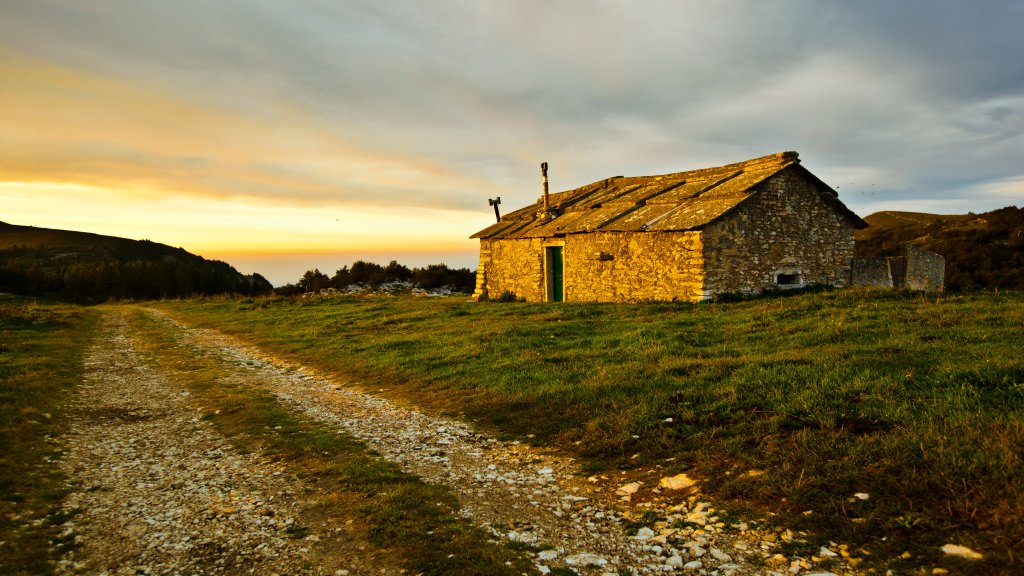
Old Stone House, Verona, Italy
Sign in to add this photo to your favorites and desktop wallpaper rotation.
Verona is a charming city located in the Veneto region of northern Italy. It is renowned for its rich history, stunning architecture, and cultural significance. One of the most famous aspects of Verona is its association with William Shakespeare's play "Romeo and Juliet," which has made the city a popular destination for romantics and literature enthusiasts alike. The city's historical center is a UNESCO World Heritage Site, characterized by its well-preserved Roman and medieval architecture. Key landmarks include the Verona Arena, a massive Roman amphitheater that dates back to the 1st century AD and is still used today for concerts and opera performances. Another notable site is the Piazza delle Erbe, a vibrant square that was once the town's forum during Roman times and is now filled with cafes, market stalls, and historic buildings. Verona is also home to the beautiful Castelvecchio, a medieval fortress that now houses a museum with an impressive collection of art and historical artifacts. The Ponte Pietra, a Roman arch bridge, offers picturesque views of the city and the Adige River. The city's cuisine is another highlight, with traditional dishes such as risotto all'Amarone, made with the local Amarone wine, and pastissada de caval, a horse meat stew. Verona's surrounding region is also known for its wine production, particularly Valpolicella and Soave wines. Verona's blend of history, culture, and culinary delights makes it a captivating destination for travelers seeking to experience the essence of Italy.