Lake Konigssee, Bavaria, Germany
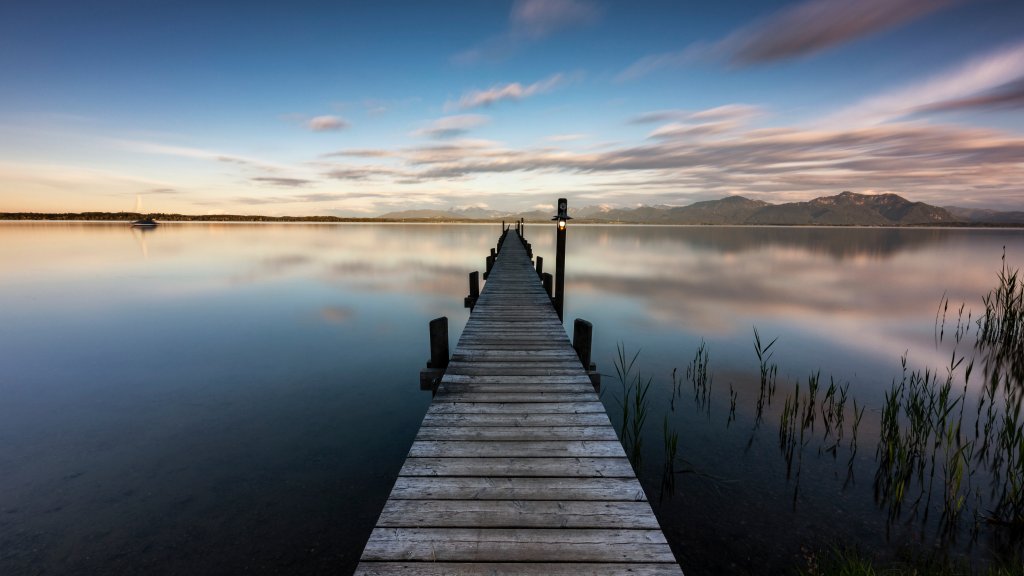
Sign in to add this photo to your favorites and desktop wallpaper rotation.
Lake Königssee is a stunning natural lake located in the Berchtesgadener Land district of Bavaria, Germany. Known for its crystal-clear waters and picturesque surroundings, it is often considered one of the most beautiful lakes in the country. The lake is nestled within the Berchtesgaden Alps and is part of the Berchtesgaden National Park, which adds to its pristine and untouched charm. One of the most famous viewpoints of Lake Königssee is Malerwinkel, which translates to "Painter's Corner." This spot is renowned for its breathtaking views of the lake and the surrounding mountains. The name "Malerwinkel" comes from the fact that many artists and painters have been inspired by the stunning scenery and have captured it in their works. From this vantage point, visitors can enjoy panoramic views of the lake's emerald waters, framed by steep, forested mountainsides. The lake itself is about 7.7 kilometers long and up to 1.7 kilometers wide, with a maximum depth of around 190 meters. It is fed by several small streams and is drained by the Königsseer Ache. The lake's waters are so clear that they are often compared to those of a fjord, and motorboats on the lake are required to be electric to preserve its tranquility and cleanliness. Visitors to Lake Königssee can enjoy a variety of activities, including hiking, boating, and exploring the nearby St. Bartholomew's Church, a famous pilgrimage site located on the western shore of the lake. The church, with its distinctive red onion domes, is accessible only by boat or a long hike and is a popular destination for tourists. Overall, Lake Königssee and the Malerwinkel viewpoint offer a serene and picturesque escape into nature, attracting visitors from around the world who come to experience its beauty and tranquility.