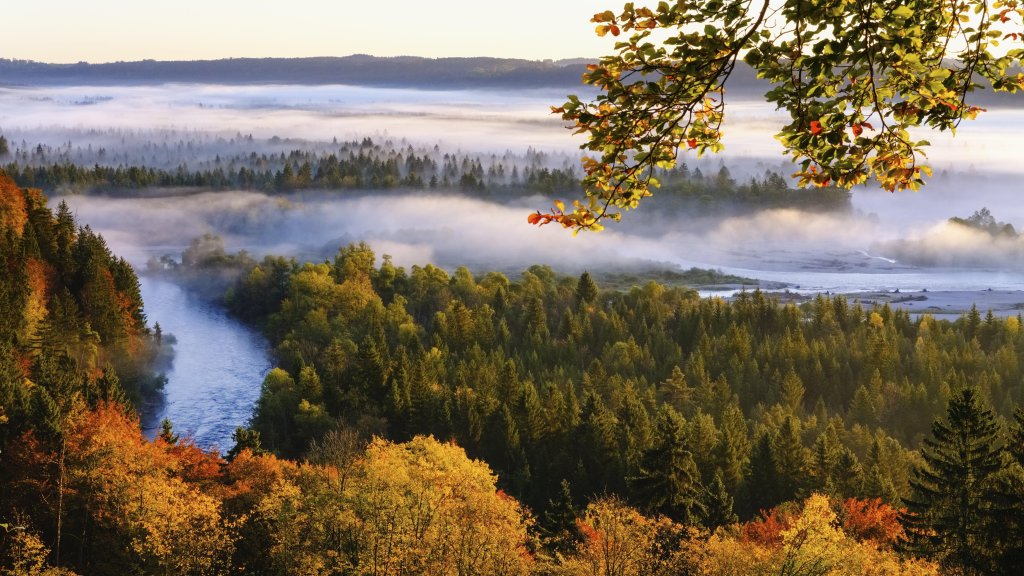
Isar River, Isarauen Nature Reserve, Germany
Sign in to add this photo to your favorites and desktop wallpaper rotation.
The Isarauen Nature Reserve is a protected area located along the Isar River in Germany. This reserve is known for its diverse ecosystems, which include floodplain forests, wetlands, and meadows. It provides a critical habitat for a variety of plant and animal species, some of which are rare or endangered. The Isarauen Nature Reserve is also an important area for birdwatching, as it serves as a stopover for migratory birds. The reserve is a popular destination for outdoor enthusiasts who enjoy activities such as hiking, cycling, and nature observation. Efforts are made to maintain the natural landscape and preserve the ecological balance of the area. Conservation initiatives focus on protecting the unique biodiversity and ensuring sustainable use of the natural resources within the reserve. Additionally, the Isarauen Nature Reserve plays a significant role in flood management, as the floodplains help absorb excess water during periods of high rainfall, reducing the risk of flooding in nearby areas. The reserve is managed by local conservation authorities who work to balance ecological preservation with recreational use.