Heidelberg, Germany
Sign in to add this photo to your favorites and desktop wallpaper rotation.
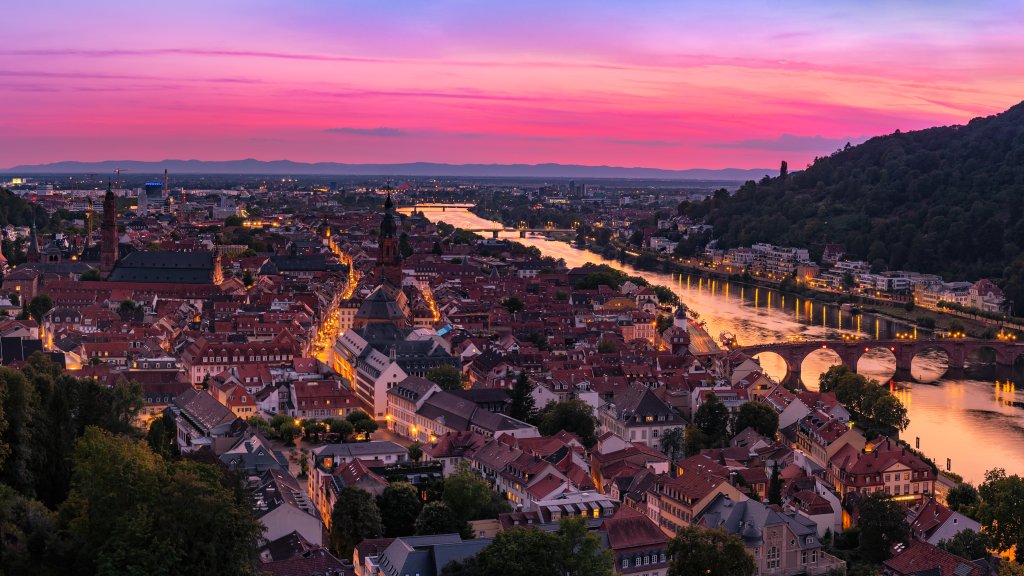
Heidelberg is a city located in the southwestern part of Germany, along the Neckar River. It is known for its picturesque setting, with a charming old town, historic buildings, and beautiful riverside scenery. One of the most famous landmarks in Heidelberg is the Heidelberg Castle, a partially ruined castle that overlooks the city from its hilltop perch. The castle dates back to the 13th century and offers stunning views of the surrounding area. Heidelberg is also home to the oldest university in Germany, Heidelberg University, which was founded in 1386. The university has a long history of academic excellence and has produced many notable scholars and Nobel laureates. The city is a popular tourist destination, attracting visitors with its historic charm, vibrant cultural scene, and numerous outdoor activities. The old town is filled with narrow cobblestone streets, baroque architecture, and cozy cafes and restaurants. Heidelberg is also known for its vibrant nightlife, with a variety of bars, clubs, and live music venues scattered throughout the city. The city hosts several festivals and events throughout the year, including the Heidelberg Castle Illuminations, a spectacular light show that takes place several times a year. Overall, Heidelberg is a charming and picturesque city with a rich history and plenty to offer visitors and residents alike.