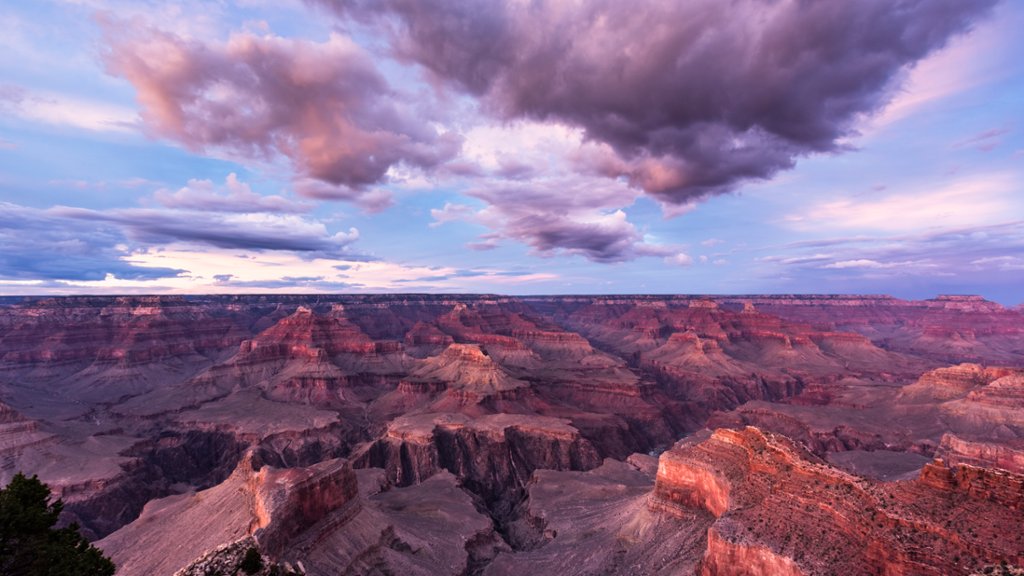
Grand Canyon National Park, Arizona
Sign in to add this photo to your favorites and desktop wallpaper rotation.
Grand Canyon National Park is located in the northwestern part of Arizona, in the United States. It was established as a national park in 1919 and covers over 1,200,000 acres of land. The park is known for its stunning and iconic natural feature, the Grand Canyon, which is a steep-sided canyon carved by the Colorado River. The Grand Canyon is one of the most visited national parks in the United States, attracting millions of visitors each year. It offers a wide range of recreational activities, including hiking, camping, rafting, and wildlife viewing. The park is also home to a diverse array of plant and animal species, including the endangered California condor. In addition to the natural beauty of the Grand Canyon, the park also has a rich cultural history. The area has been inhabited by Native American tribes for thousands of years, and there are numerous archaeological sites within the park that provide insights into the region's past. Overall, Grand Canyon National Park is a must-visit destination for anyone who appreciates the beauty of the natural world and wants to experience one of the most awe-inspiring landscapes on Earth.