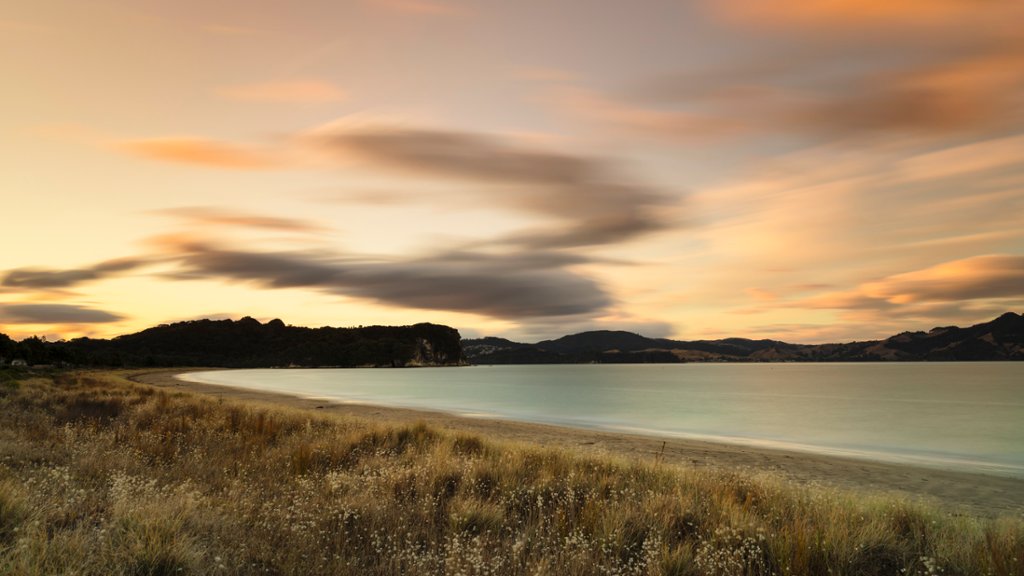
Cooks Beach, New Zealand
Sign in to add this photo to your favorites and desktop wallpaper rotation.
Cooks Beach is a popular holiday destination located on the eastern coast of the Coromandel Peninsula in New Zealand. It is named after Captain James Cook, who anchored his ship, the Endeavour, in the bay in 1769 during his explorations of New Zealand. The beach is known for its beautiful white sand and clear waters, making it a popular spot for swimming, sunbathing, and water sports such as kayaking and paddleboarding. There are also several walking tracks nearby that offer stunning views of the surrounding coastline and islands. Cooks Beach is a family-friendly destination with a relaxed atmosphere and a range of accommodation options, including holiday homes, campgrounds, and bed and breakfasts. There are also a few cafes and shops in the area, as well as a boat ramp for those looking to explore the waters around the peninsula. Overall, Cooks Beach is a peaceful and picturesque place to unwind and enjoy the beauty of the New Zealand coastline.