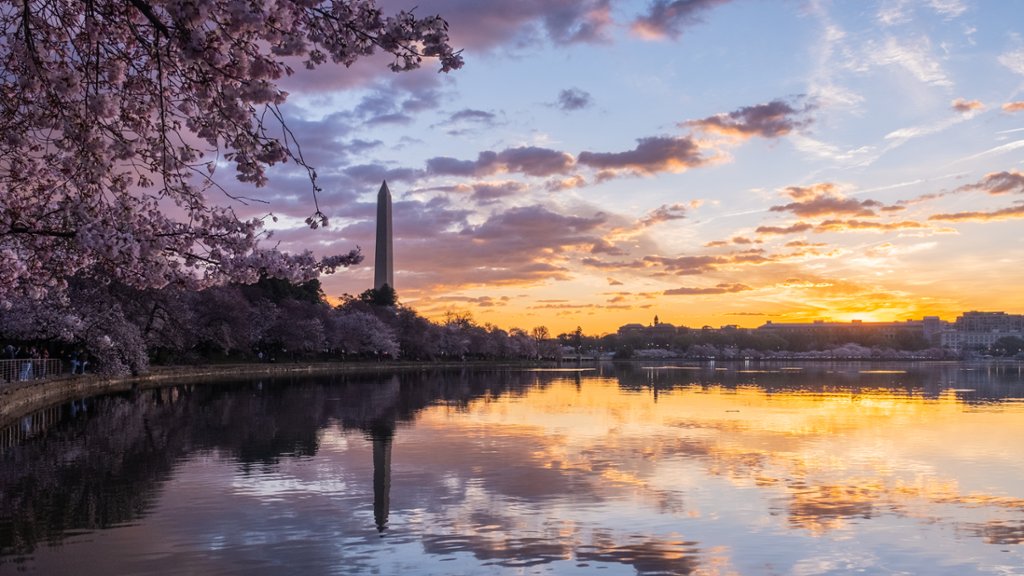
Washington Monument Framed by Cherry Blossoms, DC
Sign in to add this photo to your favorites and desktop wallpaper rotation.
The Washington Monument is a prominent landmark in Washington DC, standing at over 555 feet tall. It was built to honor George Washington, the first President of the United States. Every spring, the area around the monument is adorned with beautiful cherry blossoms, creating a stunning backdrop for the iconic structure. The cherry blossoms were a gift from Japan in 1912 as a symbol of friendship between the two nations. The trees typically bloom in late March to early April, attracting thousands of visitors to the Tidal Basin to admire their beauty. The sight of the Washington Monument framed by cherry blossoms is a breathtaking and iconic image that captures the essence of spring in the nation's capital. It has become a symbol of the city and a must-see attraction for tourists and locals alike.