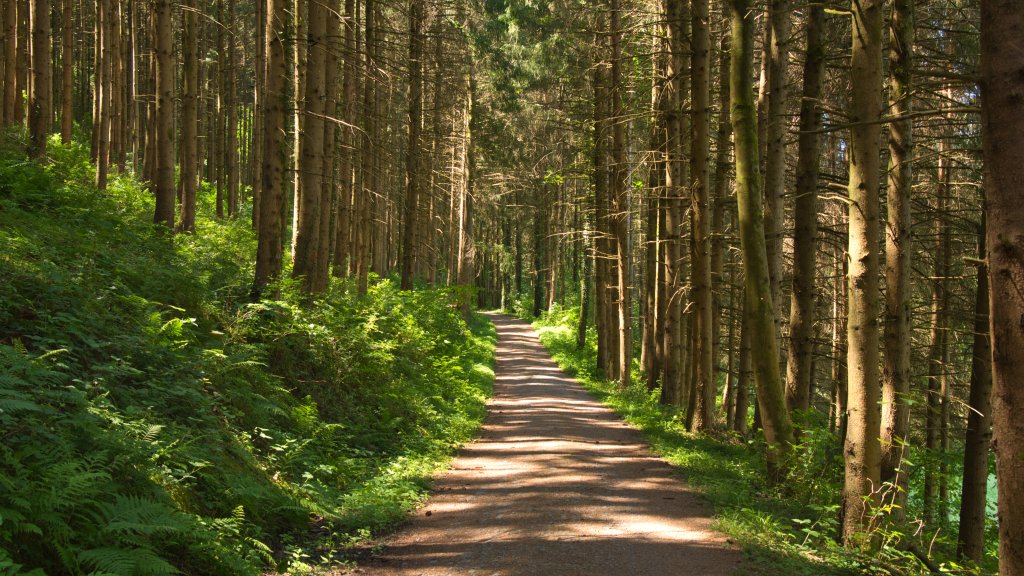
Black Forest, Germany
Sign in to add this photo to your favorites and desktop wallpaper rotation.
The Black Forest, or Schwarzwald in German, is a picturesque region located in the southwestern part of Germany, in the state of Baden-Württemberg. Known for its dense forests, rolling hills, and charming villages, the Black Forest is a popular destination for nature lovers and tourists seeking a quintessentially German experience. The region is famous for its traditional cuckoo clocks, which have been crafted there since the 18th century. Visitors can explore numerous workshops and museums dedicated to this intricate craft. The Black Forest is also renowned for its culinary specialties, including Black Forest ham and the decadent Black Forest cake, a rich dessert made with layers of chocolate sponge cake, whipped cream, and cherries. Outdoor enthusiasts will find plenty to do in the Black Forest, with numerous hiking and biking trails that wind through its lush landscapes. The region is home to the highest peak in the area, Feldberg, which offers skiing and snowboarding opportunities in the winter. Additionally, the Black Forest is dotted with picturesque lakes, such as Titisee and Schluchsee, which are popular for swimming and boating. The Black Forest is steeped in folklore and legends, with tales of fairies, witches, and other mythical creatures said to inhabit the woods. This rich cultural heritage is reflected in the region's architecture, with many half-timbered houses and traditional farmhouses adding to its charm. Overall, the Black Forest is a captivating blend of natural beauty, cultural richness, and historical significance, making it a must-visit destination for anyone traveling to Germany.