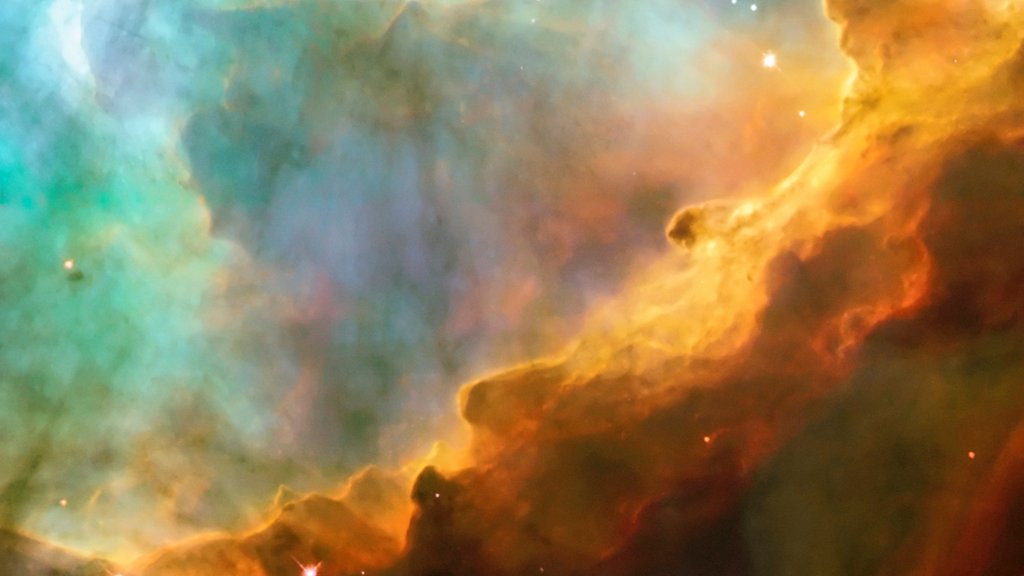
Stars in Swan Nebula
Sign in to add this photo to your favorites and desktop wallpaper rotation.
The Swan Nebula, also known as the Omega Nebula, is a giant cloud of gas and dust located about 5,500 light-years away from Earth in the constellation Sagittarius. The nebula gets its name from its shape, which resembles a swan or an omega symbol. Within the Swan Nebula, there are many young, hot stars that are still forming. These stars are surrounded by glowing gas and dust, which gives the nebula its beautiful colors. The brightest stars in the nebula are around 10 times more massive than our Sun and are about 1 million years old. The intense radiation from these young stars is causing the gas and dust in the nebula to heat up and glow brightly. This radiation is also causing the gas to ionize, meaning that the atoms are stripped of their electrons, creating a plasma. This plasma emits light of various colors, giving the nebula its distinctive hues of red, pink, and blue. The Swan Nebula is one of the most studied and photographed objects in the night sky. Its stunning beauty and complex structure have fascinated astronomers for decades, and it continues to be a rich source of scientific discovery.