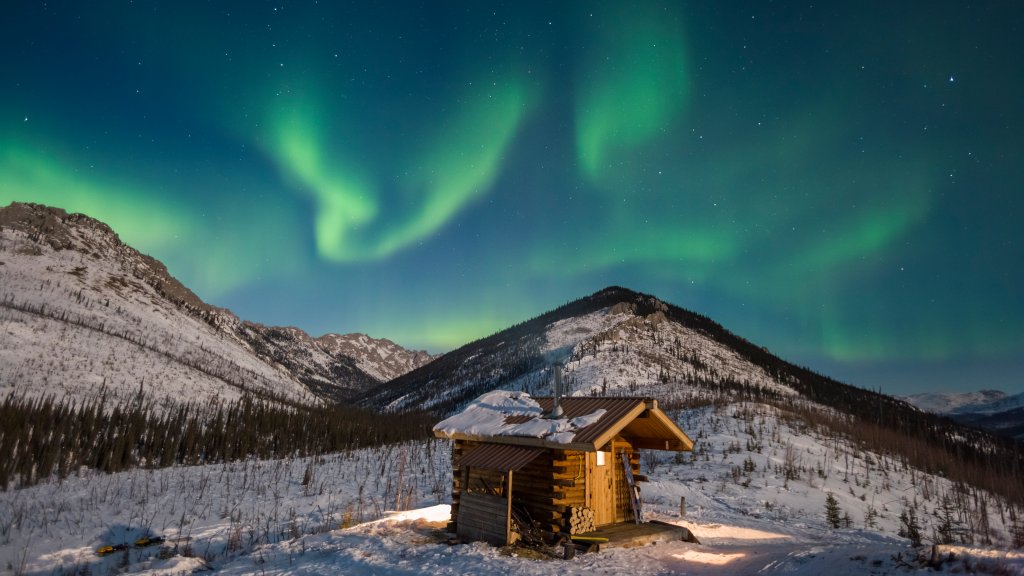
Aurora Borealis Over the White Mountains National Recreation Area, Alaska
Sign in to add this photo to your favorites and desktop wallpaper rotation.
The Aurora Borealis, commonly known as the Northern Lights, is a natural light display predominantly seen in high-latitude regions around the Arctic and Antarctic. The White Mountains National Recreation Area in Alaska is an excellent location for viewing this spectacular phenomenon. This area, located north of Fairbanks, offers a pristine and remote setting, away from the light pollution of urban areas, making it ideal for aurora viewing. During the winter months, the long nights and clear skies of the White Mountains provide optimal conditions for observing the auroras. The lights are caused by the interaction of solar wind particles with the Earth's magnetic field and atmosphere, resulting in vibrant displays of green, pink, purple, and sometimes red hues dancing across the sky. The White Mountains National Recreation Area not only offers breathtaking views of the auroras but also provides opportunities for winter activities such as snowmobiling, cross-country skiing, and dog sledding. Visitors can enjoy the tranquility of the Alaskan wilderness while experiencing one of nature's most awe-inspiring spectacles. It's important for visitors to check aurora forecasts and weather conditions to maximize their chances of witnessing the Northern Lights.