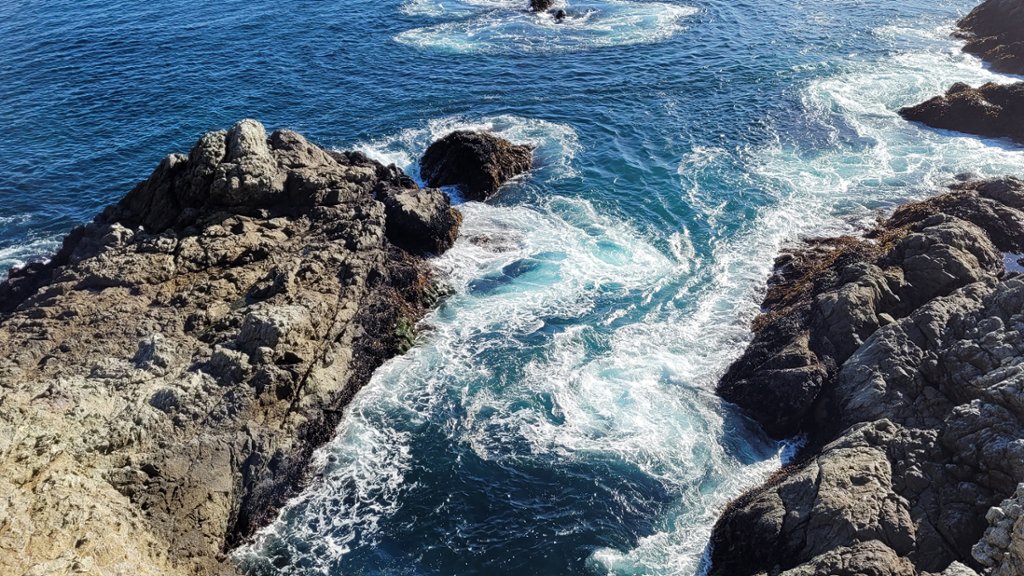
Waves and Rocks, Big Sur, California
Sign in to add this photo to your favorites and desktop wallpaper rotation.
Big Sur is a rugged and breathtaking stretch of coastline located along California's central coast. Known for its dramatic cliffs, pristine beaches, and towering redwood forests, Big Sur is a popular destination for nature lovers and outdoor enthusiasts. The area is home to several state parks and natural reserves, including Pfeiffer Big Sur State Park and Julia Pfeiffer Burns State Park, which offer opportunities for hiking, camping, and wildlife viewing. The iconic Bixby Creek Bridge, which spans a deep canyon along the Pacific Coast Highway, is a popular spot for photographers and sightseers. Big Sur is also known for its vibrant arts and culture scene, with numerous galleries, studios, and music venues showcasing the work of local artists and musicians. The area has also been a retreat for writers and thinkers, including Henry Miller and Jack Kerouac, who found inspiration in its rugged beauty. Visitors to Big Sur can enjoy a wide range of activities, from exploring the rugged coastline and hiking through ancient redwood forests to relaxing on pristine beaches and indulging in farm-to-table dining at world-class restaurants. Whether you're looking for adventure or relaxation, Big Sur offers something for everyone.