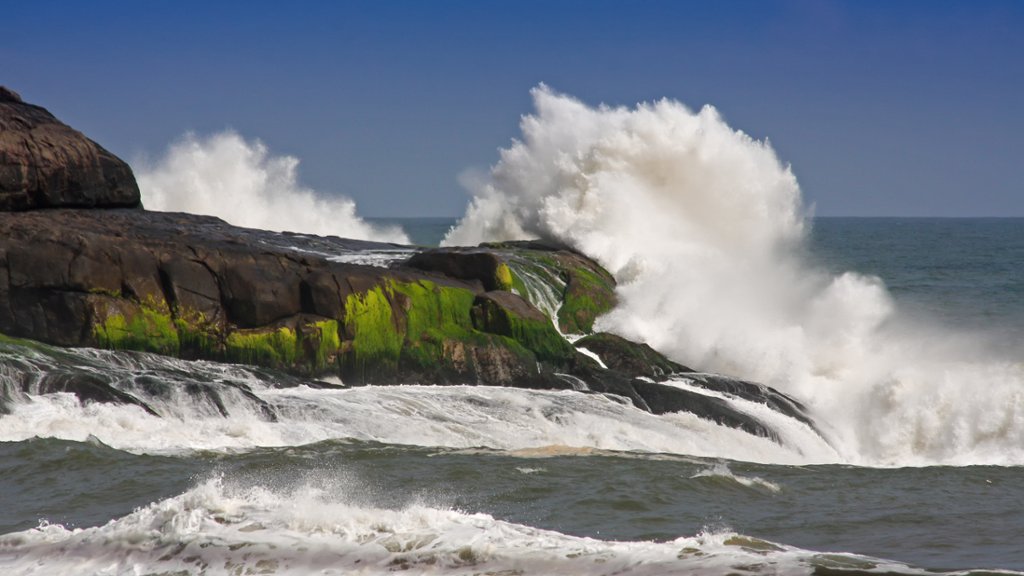
Indian Ocean, Kerala Coast, India
Sign in to add this photo to your favorites and desktop wallpaper rotation.
The Indian Ocean is the third largest ocean in the world, covering an area of approximately 70.56 million square kilometers. It is bounded by Africa to the west, Asia to the north, Australia to the east, and the Southern Ocean to the south. The Indian Ocean is known for its warm waters, diverse marine life, and important trade routes. The Kerala Coast is a region along the southwestern coast of India that borders the Indian Ocean. It is known for its beautiful beaches, backwaters, and lush greenery. Kerala is also famous for its rich cultural heritage, traditional art forms, and delicious cuisine. The Kerala Coast is a popular tourist destination, attracting visitors from all over the world who come to relax on its sandy beaches, take boat rides through the backwaters, and enjoy the vibrant local culture. The coast is also home to several wildlife sanctuaries and national parks, where visitors can see a variety of plant and animal species, including elephants, tigers, and exotic birds. Overall, the Indian Ocean and the Kerala Coast offer a unique and unforgettable experience for travelers looking to explore the natural beauty and cultural richness of this region.