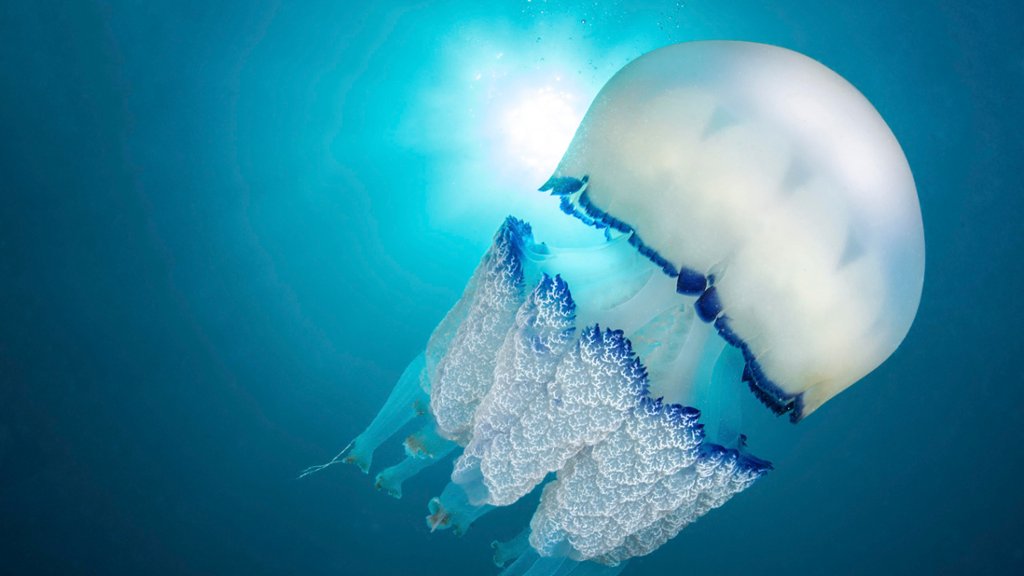
Barrel Jellyfish, Agathoise Coast, France
Sign in to add this photo to your favorites and desktop wallpaper rotation.
The Barrel Jellyfish, also known as the Dustbin-lid Jellyfish, is a large species of jellyfish that can be found in the waters of the Agathoise Coast in France. These jellyfish can grow to be quite large, with bell diameters reaching up to 90 cm (35 inches) in diameter. Barrel Jellyfish are typically found in the warmer waters of the Mediterranean Sea, including the Agathoise Coast. They are known for their distinctive dome-shaped bell and long, trailing tentacles. Despite their size, Barrel Jellyfish are not considered to be dangerous to humans, as their sting is mild and rarely causes any serious harm. These jellyfish feed primarily on plankton and small fish, using their tentacles to capture their prey. They are typically found in shallow coastal waters, where they drift with the currents in search of food. Barrel Jellyfish are a common sight in the waters of the Agathoise Coast during the warmer months, and they are often encountered by swimmers and divers. While their sting is not considered to be dangerous, it is still important to exercise caution when swimming in areas where Barrel Jellyfish are present.