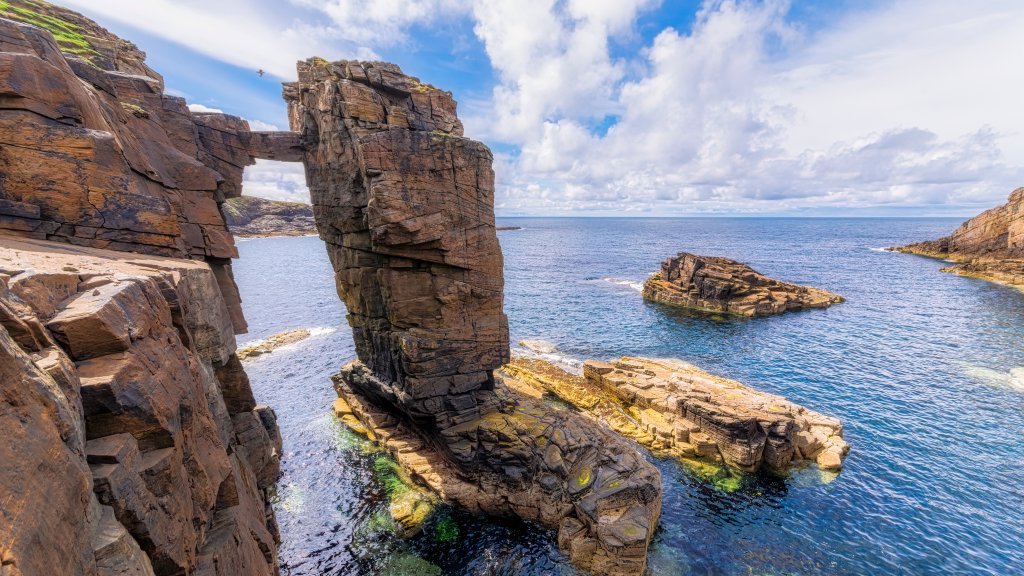
Yesnaby Sea Stacks, Scotland
Sign in to add this photo to your favorites and desktop wallpaper rotation.
Yesnaby Sea Stacks are a series of dramatic rock formations located on the west coast of Mainland, the largest island in the Orkney archipelago of Scotland. These sea stacks are composed of Old Red Sandstone and were formed millions of years ago through the process of erosion by the powerful waves of the North Atlantic Ocean. The most famous sea stack at Yesnaby is known as the "Yesnaby Castle," named for its resemblance to a medieval fortress. Other notable sea stacks in the area include the "Stack of the Horse" and the "Stack of the Grind." Yesnaby Sea Stacks are a popular tourist attraction, drawing visitors who come to marvel at the impressive natural formations and enjoy the stunning coastal views. The area is also known for its rich birdlife, with seabirds such as fulmars, kittiwakes, and puffins nesting on the cliffs. Visitors to Yesnaby can take a walk along the coastal path to get a closer look at the sea stacks and enjoy the rugged beauty of this remote and wild landscape. However, it is important to exercise caution when visiting Yesnaby, as the area can be dangerous due to the high cliffs and unpredictable sea conditions.