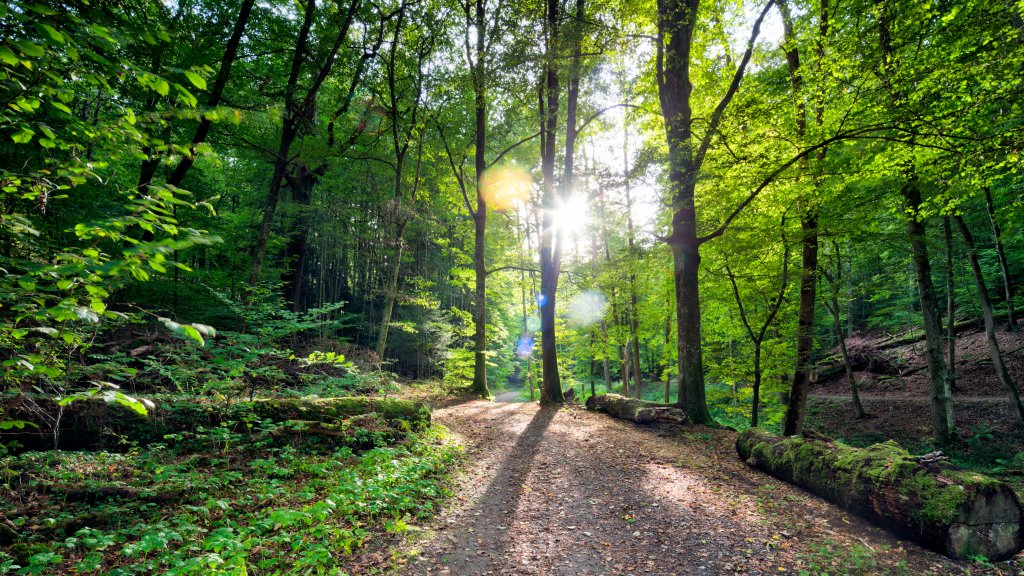
Walking Trail, Bad Kissingen, Bavaria, Germany
Sign in to add this photo to your favorites and desktop wallpaper rotation.
The Walking Trail in Bad Kissingen, Bavaria, Germany, offers a picturesque experience for nature enthusiasts and those looking to enjoy the serene beauty of the region. Bad Kissingen is a renowned spa town known for its therapeutic mineral springs and beautiful landscapes. The walking trails in this area are well-maintained and cater to various levels of difficulty, making them suitable for both casual walkers and more experienced hikers. The trails often wind through lush forests, open meadows, and along the banks of the Saale River, providing a diverse range of scenery. Along the way, you might encounter historical landmarks, such as old spa buildings and charming Bavarian architecture, which add a cultural dimension to the natural beauty. One of the highlights of walking in Bad Kissingen is the opportunity to explore the surrounding Rhön Biosphere Reserve, a UNESCO-designated area known for its unique flora and fauna. The trails are well-marked, and maps are usually available at local tourist centers to help visitors navigate the routes. In addition to the natural and historical attractions, the trails often lead to panoramic viewpoints where you can enjoy breathtaking views of the Bavarian countryside. Whether you're interested in a leisurely stroll or a more challenging hike, the walking trails in Bad Kissingen offer a peaceful escape and a chance to connect with nature.