Strbske Pleso, Slovakia
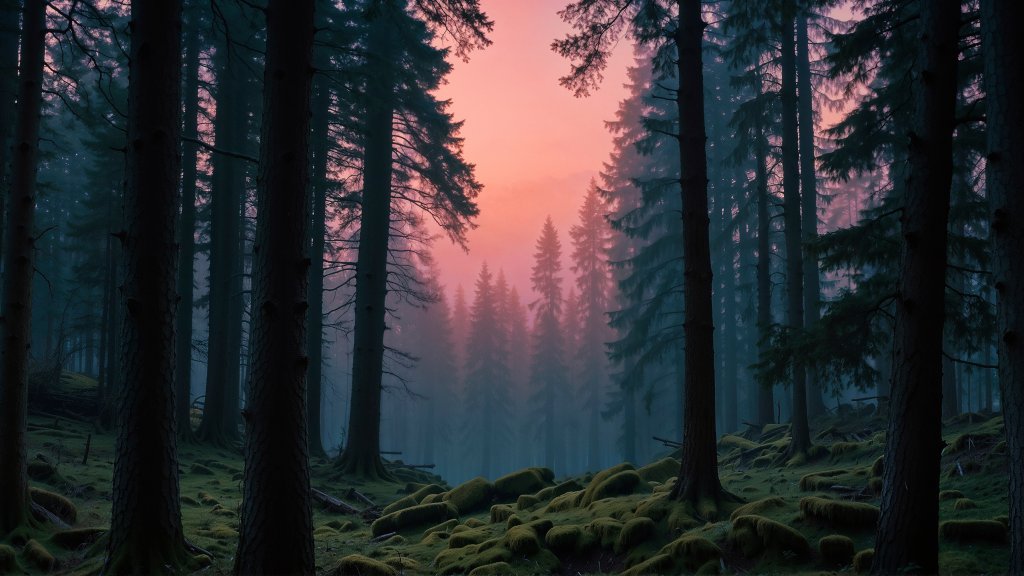
Sign in to add this photo to your favorites and desktop wallpaper rotation.
Štrbské Pleso is a picturesque mountain resort and village located in the High Tatras of Slovakia. It is renowned for its stunning natural beauty, centered around a glacial mountain lake of the same name. The area is a popular destination for both winter and summer activities, attracting tourists with its opportunities for skiing, hiking, and enjoying the breathtaking alpine scenery. In winter, Štrbské Pleso becomes a hub for skiing and snowboarding, featuring well-maintained slopes and facilities suitable for various skill levels. The resort is part of the larger Tatra National Park, which offers a range of outdoor activities and is home to diverse flora and fauna. During the summer months, visitors can enjoy hiking and walking trails that provide access to the surrounding peaks and valleys. The area is also known for its clean air and therapeutic climate, making it a popular spot for health and wellness tourism. Štrbské Pleso has a rich history, with its development as a tourist destination dating back to the late 19th century. The village features a mix of modern hotels and traditional architecture, providing a charming atmosphere for visitors. Additionally, the location offers easy access to other attractions in the High Tatras, making it an ideal base for exploring the region.