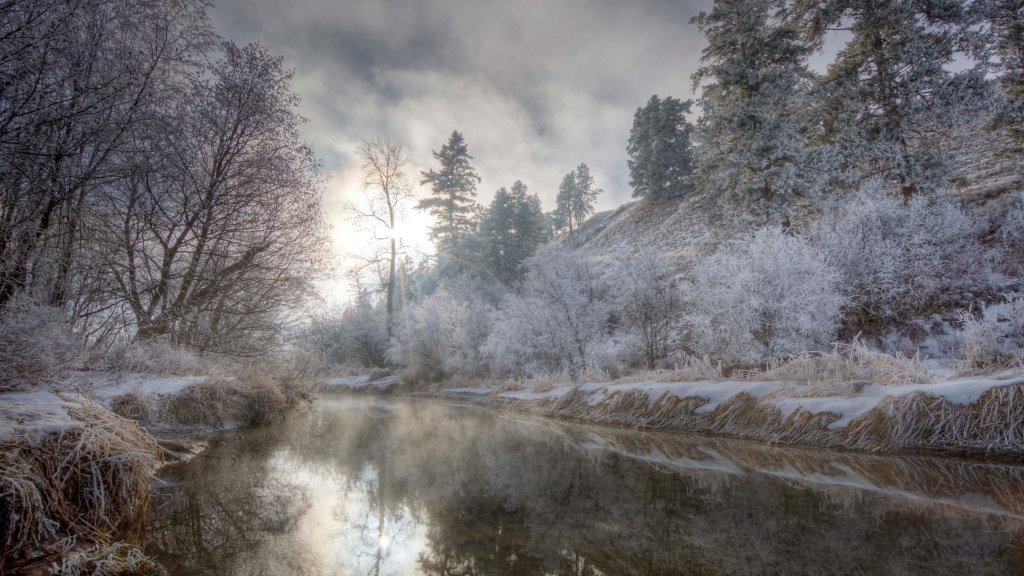
Clark Fork River, Missoula, Montana
Sign in to add this photo to your favorites and desktop wallpaper rotation.
The Clark Fork River is a significant waterway in western Montana, flowing through the city of Missoula. It originates near Butte, Montana, and travels approximately 310 miles before merging with the Pend Oreille River in Idaho. The river is named after William Clark of the Lewis and Clark Expedition. In Missoula, the Clark Fork River is a central feature of the community, offering a range of recreational activities such as fishing, kayaking, and rafting. The river is known for its scenic beauty, with lush landscapes and mountainous backdrops. It supports a diverse ecosystem, including various fish species like trout, making it a popular spot for anglers. The river has played an essential role in the history and development of Missoula. It was historically used for transportation and as a resource for industries such as logging and milling. Today, efforts have been made to restore and preserve the river's natural environment, including projects to improve water quality and habitat for wildlife. The Clark Fork River also hosts several community events and festivals, contributing to the vibrant cultural life of Missoula. The riverfront area includes parks, trails, and green spaces, providing residents and visitors with opportunities to enjoy the outdoors and connect with nature.