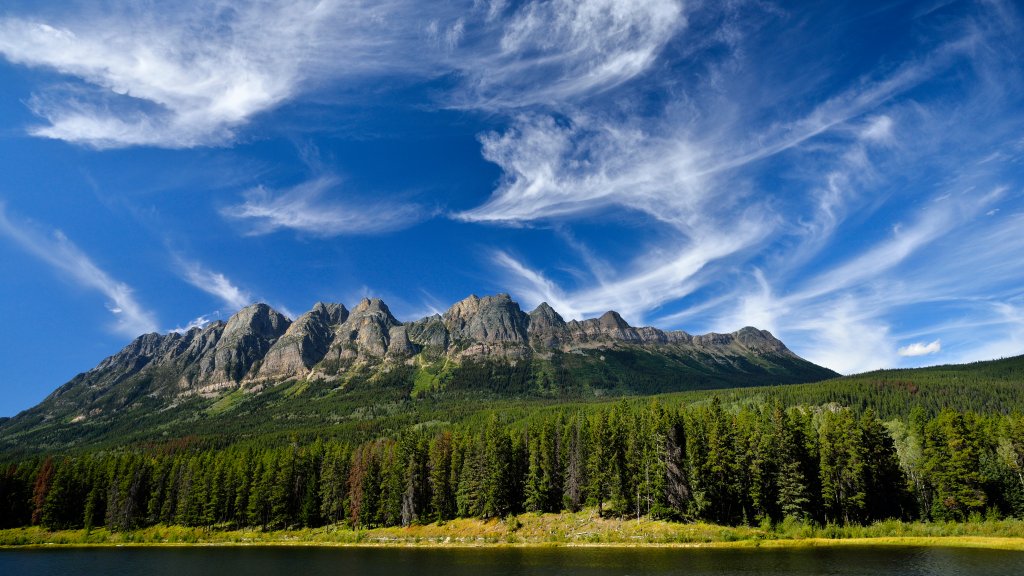
Yellowhead Mountain Range, Canada
Sign in to add this photo to your favorites and desktop wallpaper rotation.
The Yellowhead Mountain Range is a subrange of the Canadian Rockies, located in western Canada. It stretches across the provinces of British Columbia and Alberta. This range is named after Yellowhead Pass, a significant mountain pass that serves as a natural corridor through the Rockies and has historical importance as a route used by Indigenous peoples, fur traders, and explorers. The Yellowhead Mountain Range is characterized by its rugged terrain, with peaks that offer stunning vistas and diverse ecosystems. The area is home to a variety of wildlife, including bears, elk, and mountain goats, making it a popular destination for outdoor enthusiasts who enjoy activities such as hiking, camping, and wildlife viewing. The range is part of the larger Jasper National Park in Alberta and Mount Robson Provincial Park in British Columbia. Mount Robson, the highest peak in the Canadian Rockies, is a prominent feature of the Yellowhead Range. The region's natural beauty, combined with its accessibility via the Yellowhead Highway (Highway 16), makes it a popular destination for tourists seeking to experience the majesty of the Canadian Rockies.