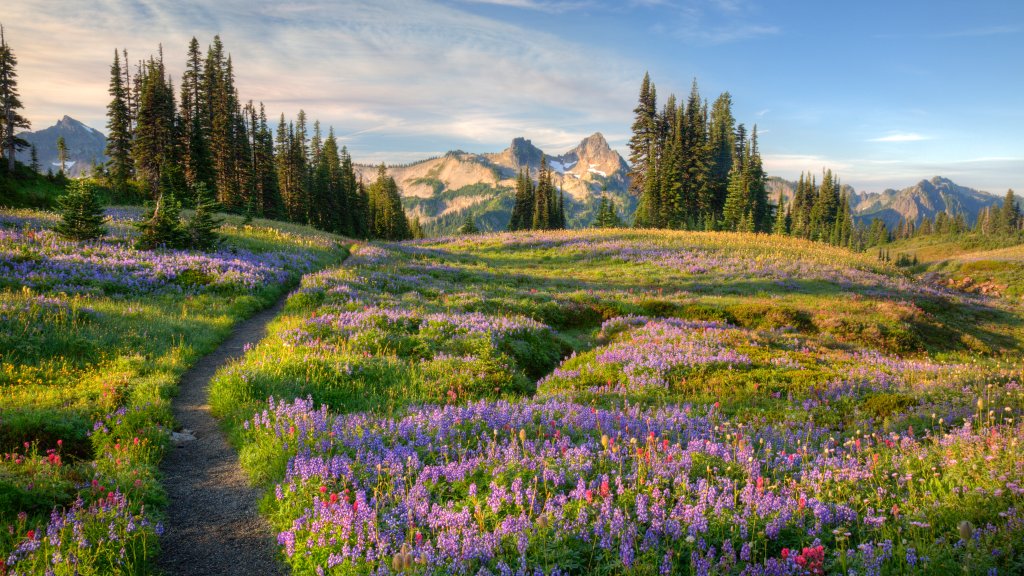
Wildflowers, Mazama Ridge, Mt Rainier NP, WA
Sign in to add this photo to your favorites and desktop wallpaper rotation.
Mazama Ridge is a picturesque area located within Mount Rainier National Park in Washington State. It is known for its stunning views, wildflower meadows, and opportunities for outdoor recreation. The ridge offers a relatively accessible hiking experience, making it a popular destination for both casual hikers and more experienced outdoor enthusiasts. During the summer months, Mazama Ridge is renowned for its vibrant wildflower displays, with species such as lupines, paintbrushes, and avalanche lilies carpeting the meadows. The area provides panoramic views of Mount Rainier, the Tatoosh Range, and other surrounding peaks, making it a favorite spot for photographers and nature lovers. In the winter, Mazama Ridge becomes a popular destination for snowshoeing and cross-country skiing. The snow-covered landscape offers a serene and beautiful setting for winter activities, with trails that vary in difficulty to accommodate different skill levels. Access to Mazama Ridge is typically via the Paradise area of Mount Rainier National Park, which is one of the park's most visited regions. The park's infrastructure, including visitor centers and parking areas, supports the influx of visitors, although it can become crowded during peak seasons. Overall, Mazama Ridge is celebrated for its natural beauty and the diverse recreational opportunities it offers throughout the year. Whether visiting for a day hike, a photography session, or a winter adventure, it provides a memorable experience in one of Washington's most iconic national parks.