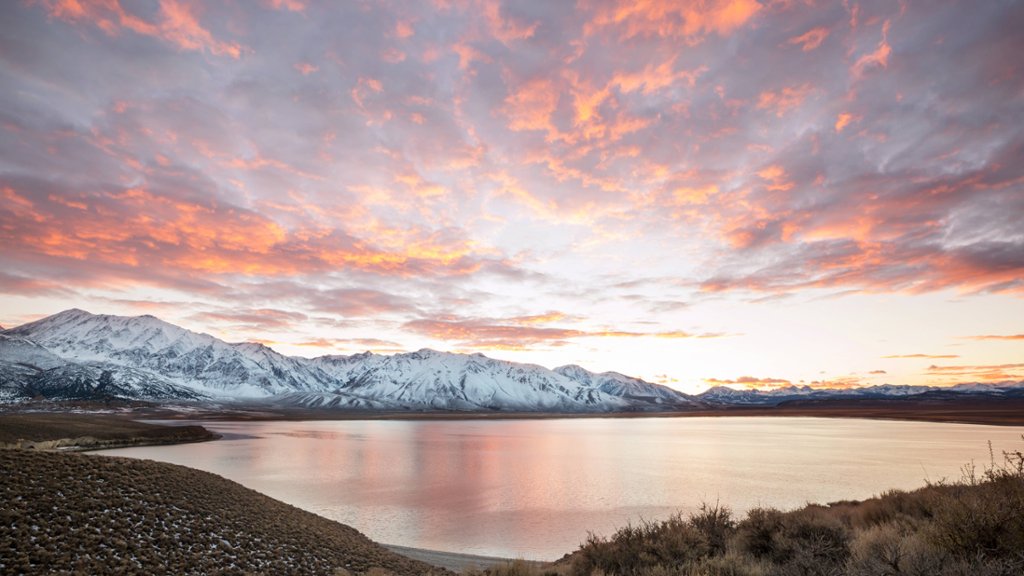
Sierra Nevada Landscape, CA
Sign in to add this photo to your favorites and desktop wallpaper rotation.
The Sierra Nevada mountain range is located in eastern California and stretches for about 400 miles from north to south. The range is home to some of the tallest peaks in the contiguous United States, including Mount Whitney, which is the highest peak in the lower 48 states. The Sierra Nevada is known for its stunning natural beauty, with rugged granite peaks, alpine lakes, and dense forests of pine and fir trees. The region is a popular destination for outdoor enthusiasts, offering a wide range of recreational activities such as hiking, backpacking, camping, fishing, and rock climbing. Yosemite National Park, located in the Sierra Nevada, is one of the most iconic and visited national parks in the United States. The park is famous for its towering granite cliffs, cascading waterfalls, and giant sequoia trees. Other notable destinations in the Sierra Nevada include Lake Tahoe, Mammoth Lakes, and Kings Canyon National Park. The Sierra Nevada also plays a crucial role in California's water supply, as the melting snowpack from the mountains feeds major rivers and reservoirs that provide water for millions of people in the state. Overall, the Sierra Nevada is a diverse and breathtaking landscape that offers endless opportunities for exploration and adventure.