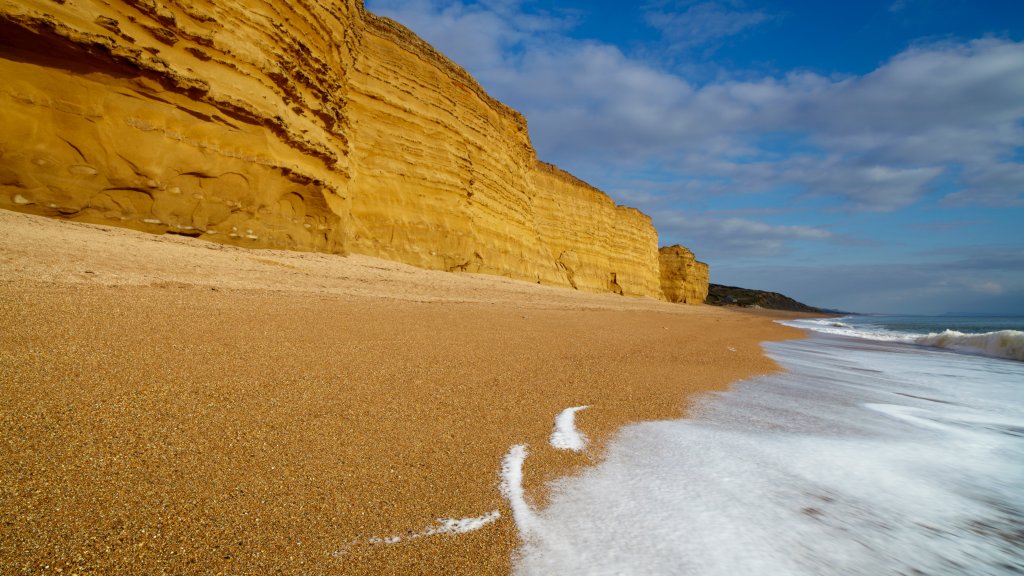
Unesco Site, Burton Bradstock, Jurassic Coast, UK
Sign in to add this photo to your favorites and desktop wallpaper rotation.
Burton Bradstock is a village located on the Jurassic Coast in Dorset, England, which is a UNESCO World Heritage Site. The Jurassic Coast stretches for 96 miles from Exmouth in East Devon to Studland Bay in Dorset and is renowned for its geological significance. It offers a unique insight into Earth's history, showcasing rock formations that span the Triassic, Jurassic, and Cretaceous periods, covering approximately 185 million years. Burton Bradstock itself is known for its stunning cliffs and beautiful beaches, which are part of the larger Chesil Beach area. The cliffs in this region are composed of sandstone and limestone, providing a dramatic backdrop to the coastline. The area is popular for fossil hunting, as the cliffs and beaches often reveal fossils from the Jurassic period. The village of Burton Bradstock is picturesque, featuring traditional thatched cottages and a charming rural atmosphere. It serves as a gateway for visitors exploring the Jurassic Coast, offering various amenities such as pubs, cafes, and accommodations. The South West Coast Path, a long-distance walking trail, passes through the area, providing opportunities for hiking and enjoying the scenic views of the coastline. Overall, Burton Bradstock is a significant part of the Jurassic Coast UNESCO World Heritage Site, attracting tourists and geology enthusiasts interested in exploring its natural beauty and historical significance.