North Sea Coast, Denmark
Sign in to add this photo to your favorites and desktop wallpaper rotation.
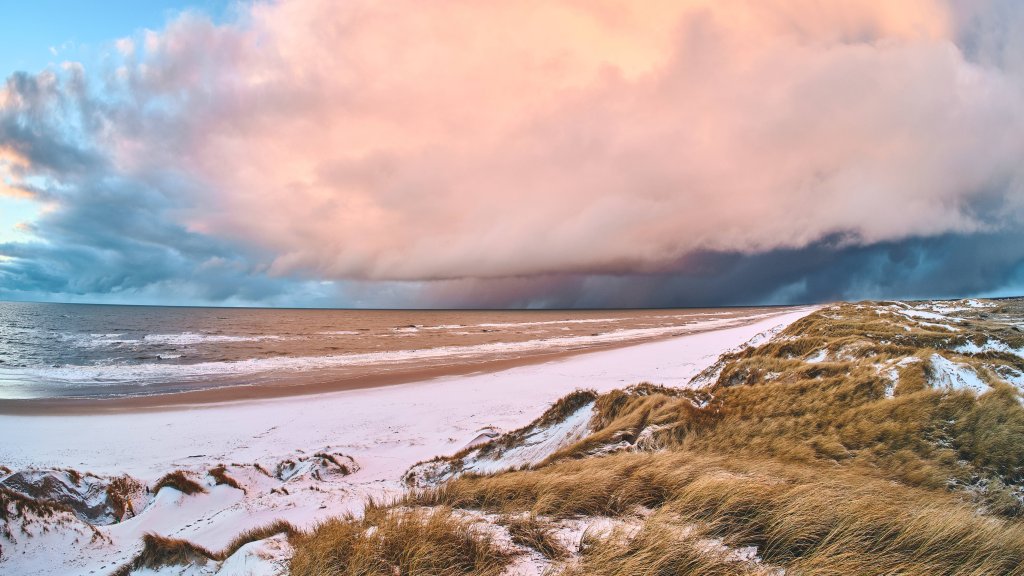
The North Sea Coast of Denmark is a picturesque and diverse region known for its stunning natural landscapes, charming coastal towns, and rich cultural heritage. Stretching along the western edge of the Jutland Peninsula, this area offers a unique blend of rugged coastlines, sandy beaches, and rolling dunes. One of the most notable features of the North Sea Coast is its expansive beaches, such as those found in the popular holiday destinations of Blåvand, Henne Strand, and Søndervig. These beaches are ideal for a variety of activities, including swimming, sunbathing, and beachcombing. The strong winds and waves also make the coast a popular spot for windsurfing and kite surfing enthusiasts. The region is home to several nature reserves and national parks, such as Thy National Park, which is Denmark's first national park. These protected areas offer opportunities for hiking, birdwatching, and experiencing the unique flora and fauna of the Danish coastal environment. Culturally, the North Sea Coast is dotted with quaint fishing villages and historic towns, each with its own unique charm. Towns like Esbjerg, Ringkøbing, and Hvide Sande offer a glimpse into Denmark's maritime heritage, with attractions such as museums, lighthouses, and traditional Danish architecture. The coast is also known for its culinary offerings, particularly fresh seafood. Local restaurants often feature dishes made with freshly caught fish, shrimp, and other seafood delicacies. Overall, the North Sea Coast of Denmark is a destination that combines natural beauty with cultural richness, making it a popular choice for both domestic and international visitors seeking relaxation and adventure.