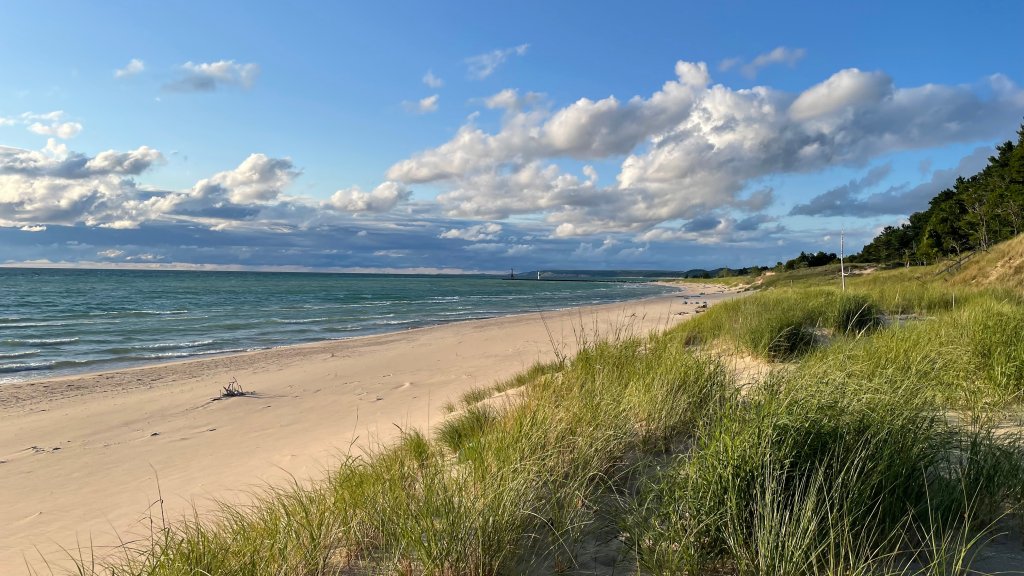
Lake Michigan, MI
Sign in to add this photo to your favorites and desktop wallpaper rotation.
Lake Michigan is one of the five Great Lakes of North America and is the only one located entirely within the United States. It is bordered by the states of Michigan, Indiana, Illinois, and Wisconsin. The lake is the second-largest of the Great Lakes by volume and the third-largest by surface area, covering approximately 22,400 square miles (58,000 square kilometers). Lake Michigan is known for its diverse ecosystems and is home to a variety of fish species, making it a popular destination for fishing. The lake's shoreline is dotted with numerous beaches, dunes, and parks, offering recreational opportunities such as swimming, boating, and hiking. The Sleeping Bear Dunes National Lakeshore in Michigan is a notable attraction, featuring impressive sand dunes and scenic views. The lake plays a significant role in the economy of the surrounding region, supporting industries such as shipping, tourism, and fishing. Major cities along its shores include Chicago, Illinois; Milwaukee, Wisconsin; and Green Bay, Wisconsin. These cities benefit from the lake's presence, both in terms of commerce and recreation. Lake Michigan also has a rich cultural and historical significance. It has been a vital transportation route for centuries, initially for Native American tribes and later for European settlers. The lake's name is derived from the Ojibwe word "mishigami," meaning "great water." Environmental concerns have been a focus in recent years, with efforts to address issues such as pollution, invasive species, and habitat preservation. Organizations and government agencies work to protect and maintain the health of the lake and its surrounding ecosystems. Overall, Lake Michigan is a vital natural resource that offers a blend of natural beauty, recreational opportunities, and economic benefits to the region.