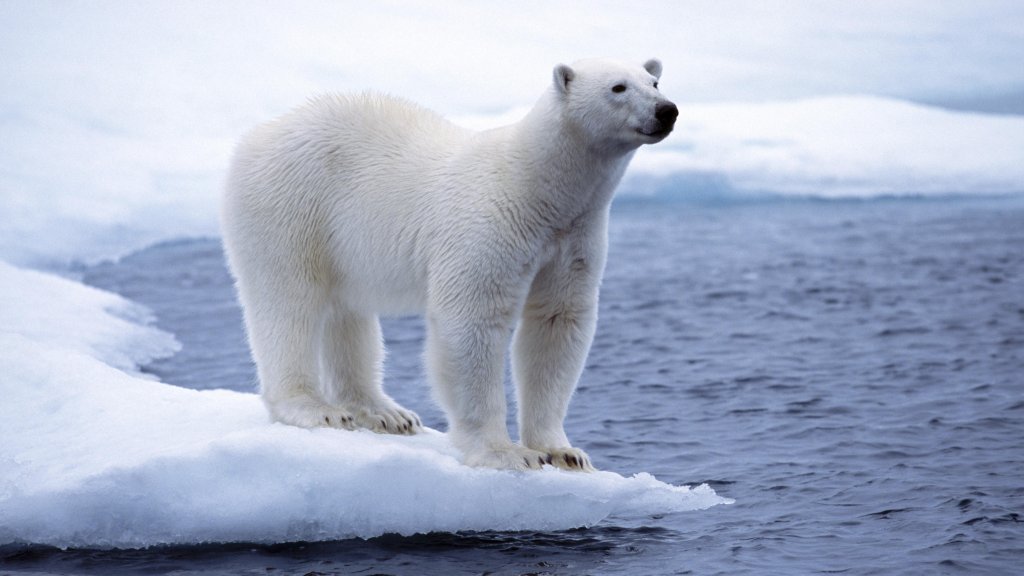
White Polar Bear, North Pole, Svalbard, Spitsbergen, Norway
Sign in to add this photo to your favorites and desktop wallpaper rotation.
The white polar bear, scientifically known as Ursus maritimus, is a large carnivorous bear species native to the Arctic regions, including the North Pole and areas like Svalbard and Spitsbergen in Norway. These bears are well-adapted to the cold environment, with thick fur and a layer of fat to insulate them against the frigid temperatures. Svalbard is an archipelago in the Arctic Ocean, and Spitsbergen is its largest island. This region is one of the prime habitats for polar bears, offering a unique ecosystem where they can hunt for seals, their primary food source. The bears are excellent swimmers, capable of covering long distances in search of food, and they are also known for their ability to navigate the icy terrain with ease. The polar bear population in Svalbard is part of the Barents Sea population, which is one of the 19 recognized subpopulations of polar bears. Conservation efforts are in place to protect these majestic animals, as they face threats from climate change, which is causing the sea ice to melt, and from human activities. The melting ice reduces their hunting grounds and affects their ability to find food, posing a significant threat to their survival. Tourism in Svalbard offers opportunities to observe polar bears in their natural habitat, but it is crucial to maintain a safe distance to avoid disturbing them. The Norwegian government has implemented strict regulations to ensure that both the bears and their environment are protected.