Red Stag Deer
Sign in to add this photo to your favorites and desktop wallpaper rotation.
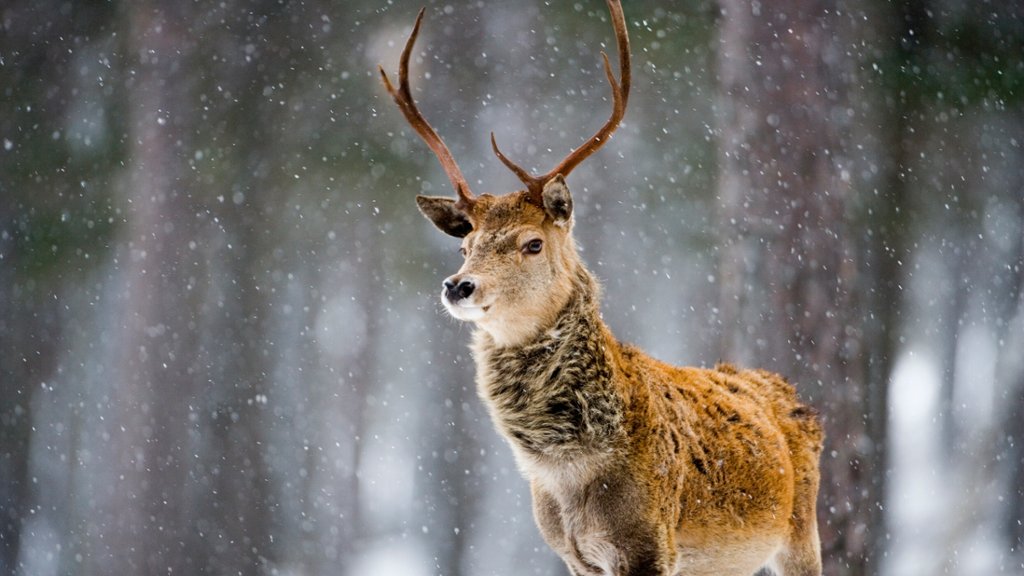
Red stag deer, also known simply as red deer, are a species of large deer that are native to Europe, Asia, and parts of North Africa. They are one of the largest deer species in the world, with males, known as stags, typically weighing between 350-530 pounds and standing around 4.5-5.5 feet tall at the shoulder. Females, known as hinds, are smaller, weighing between 130-220 pounds. Red stag deer are known for their distinctive reddish-brown fur, which is more pronounced in males during the breeding season. Stags also have impressive antlers, which can grow up to 45 inches in length and have multiple points or tines. These deer are primarily herbivores, feeding on grasses, leaves, and shrubs. They are known for their agility and speed, being able to run at speeds of up to 30 miles per hour. Red stag deer are highly social animals, living in herds that are led by a dominant male. During the breeding season, known as the rut, males will compete for the attention of females by roaring, displaying their antlers, and engaging in physical battles with other males. Red stag deer are a popular game animal for hunting, both for their impressive antlers and for their meat. They are also important culturally and symbolically in many European countries, where they are often associated with strength, nobility, and the wilderness.