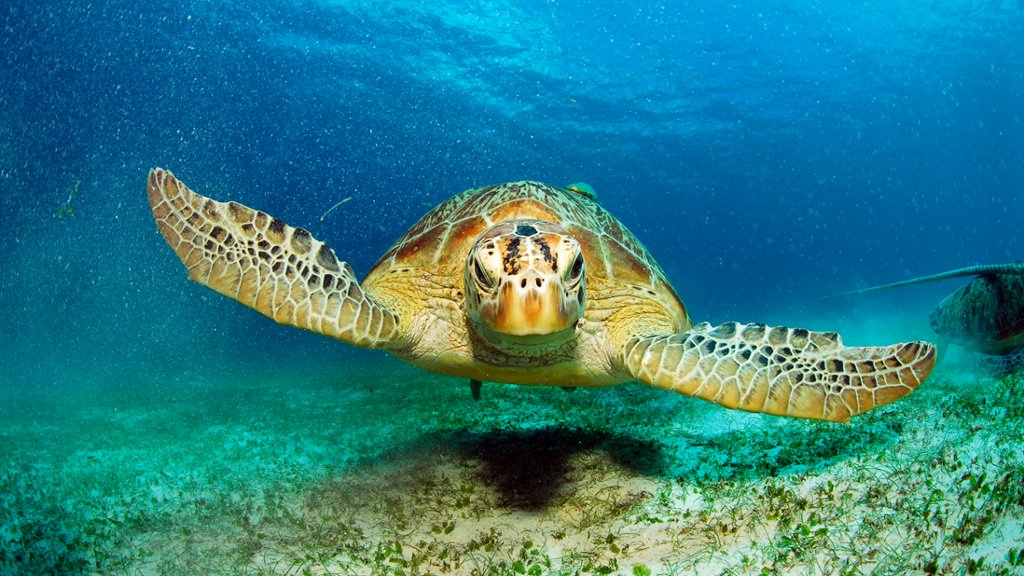
Green Sea Turtle, Philippines,
Sign in to add this photo to your favorites and desktop wallpaper rotation.
The Green Sea Turtle, also known as the Chelonia mydas, is a species of sea turtle found in the Philippines and other tropical and subtropical regions around the world. These turtles are named for their greenish-colored fat and shell, which is the result of their plant-based diet. Green Sea Turtles are one of the largest species of sea turtle, with adults usually reaching lengths of 3 to 4 feet and weighing up to 300 to 400 pounds. They are known for their long migrations between feeding and nesting grounds, with females returning to the same beach where they were born to lay their eggs. In the Philippines, Green Sea Turtles can be found in the waters surrounding the country's many islands, particularly in the coral reefs and seagrass beds. They are considered an endangered species due to threats such as habitat destruction, pollution, and poaching. Conservation efforts are being made in the Philippines to protect Green Sea Turtles, including the establishment of marine protected areas and campaigns to raise awareness about the importance of these creatures in the marine ecosystem. Visitors to the Philippines can often see these majestic turtles while snorkeling or diving in popular tourist destinations such as Palawan and Apo Island.